
Real Estate Twilight Photos (Day to Dusk)
Convert a daytime exterior into a warm dusk photo with a deep evening sky and lit windows, without a second photo shoot.
Usually ~40s. Sign in for 3 welcome credits. Credits per result: 1.
View credit packs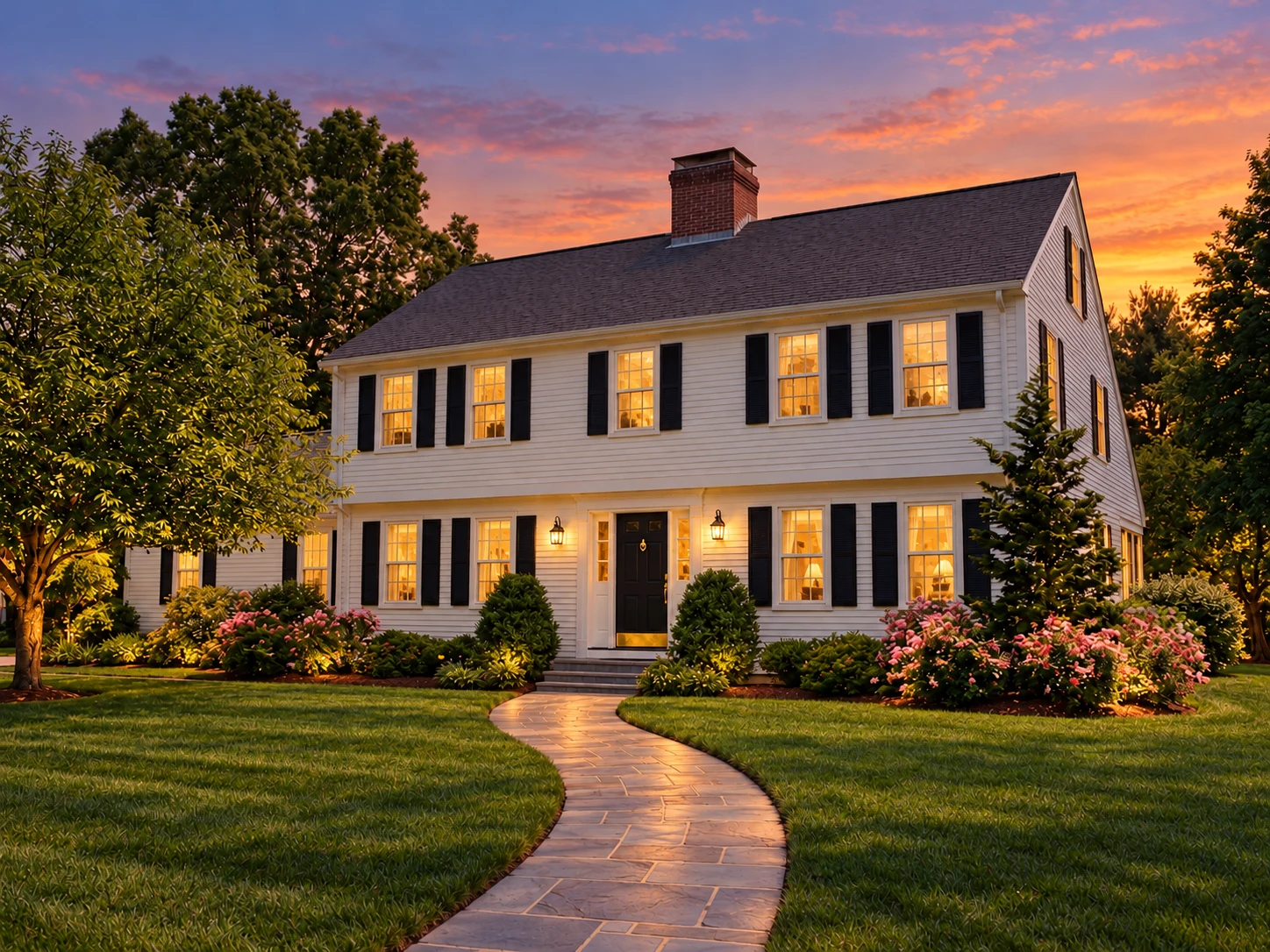
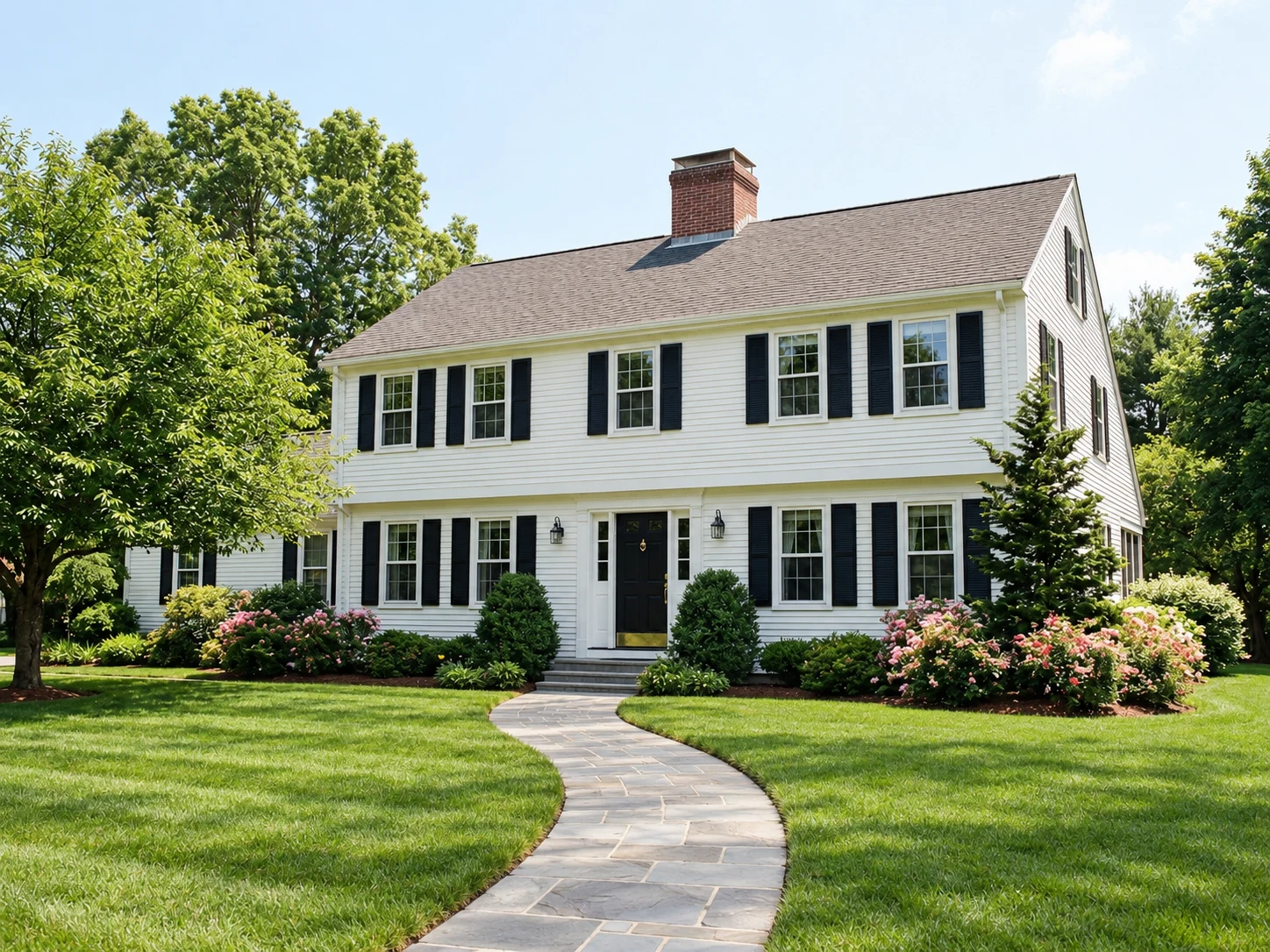 BeforeAI result
Sample with your current settings (Warm sunset). The original is an AI-generated demo room.
Best for: Agents, photographers, builders
More Day to Dusk examples
Drag each slider to compare. These are AI-generated demo scenes, not customer properties. Review the changes and settings before trying your own photo.
 BeforeAfter
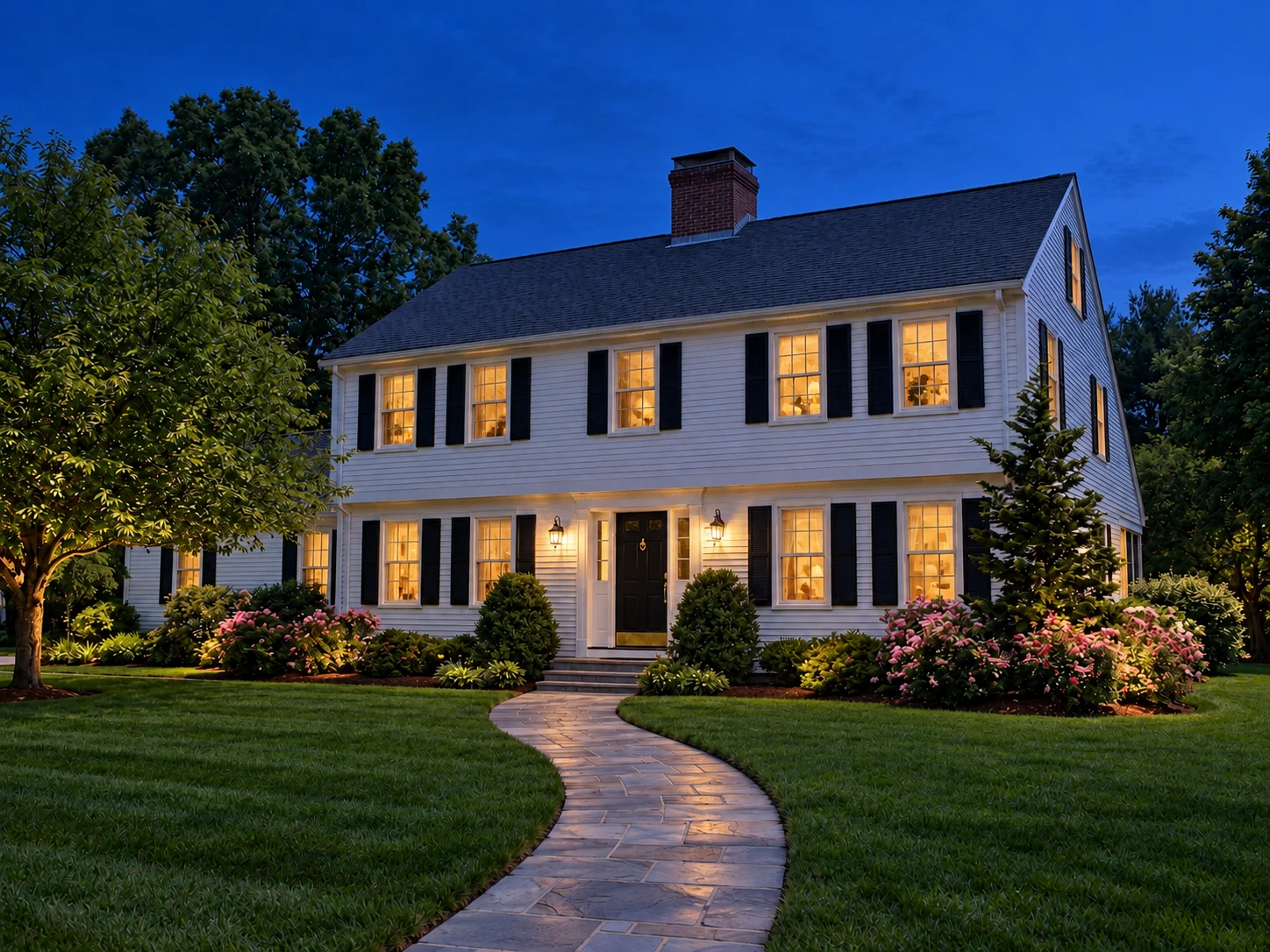
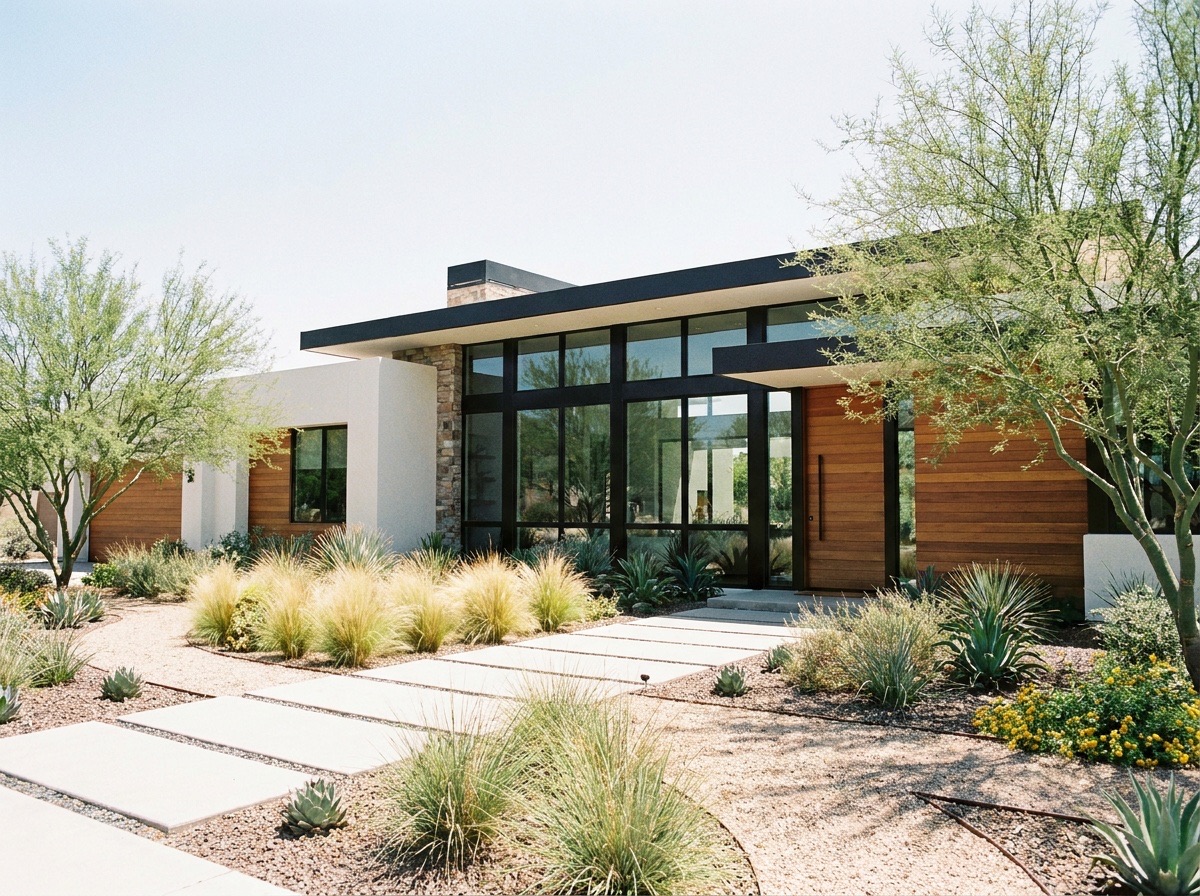
Walkway house in deep blue dusk
Compare this version with the warm sunset version of the same source.
Settings: Deep blue dusk
Use this exampleBeforeAfterWalkway house at warm sunset
Check the window glow and path edges against the daylight image.
Settings: Warm sunset
Use this example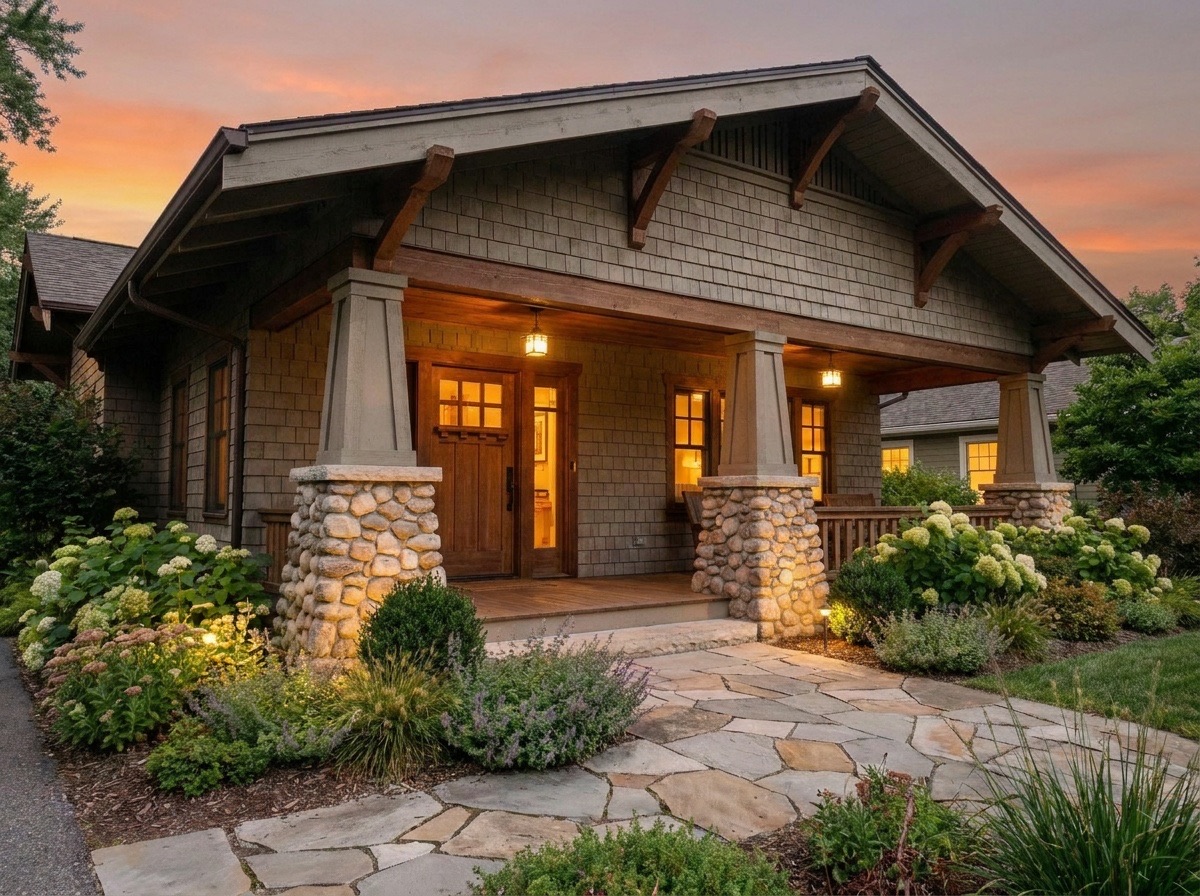
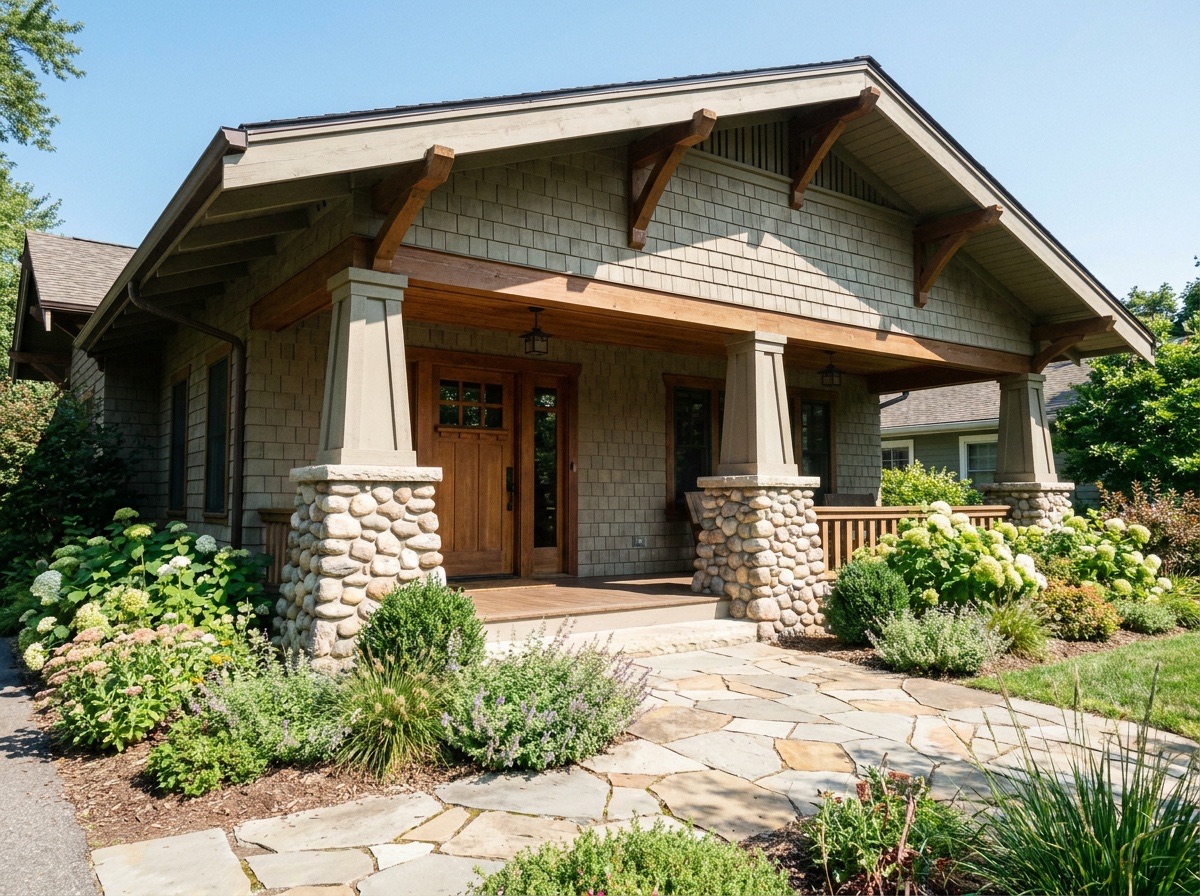 BeforeAfter
Porch exterior at sunset
Inspect roof edges, porch columns and generated window light.
Settings: Warm sunset
Use this example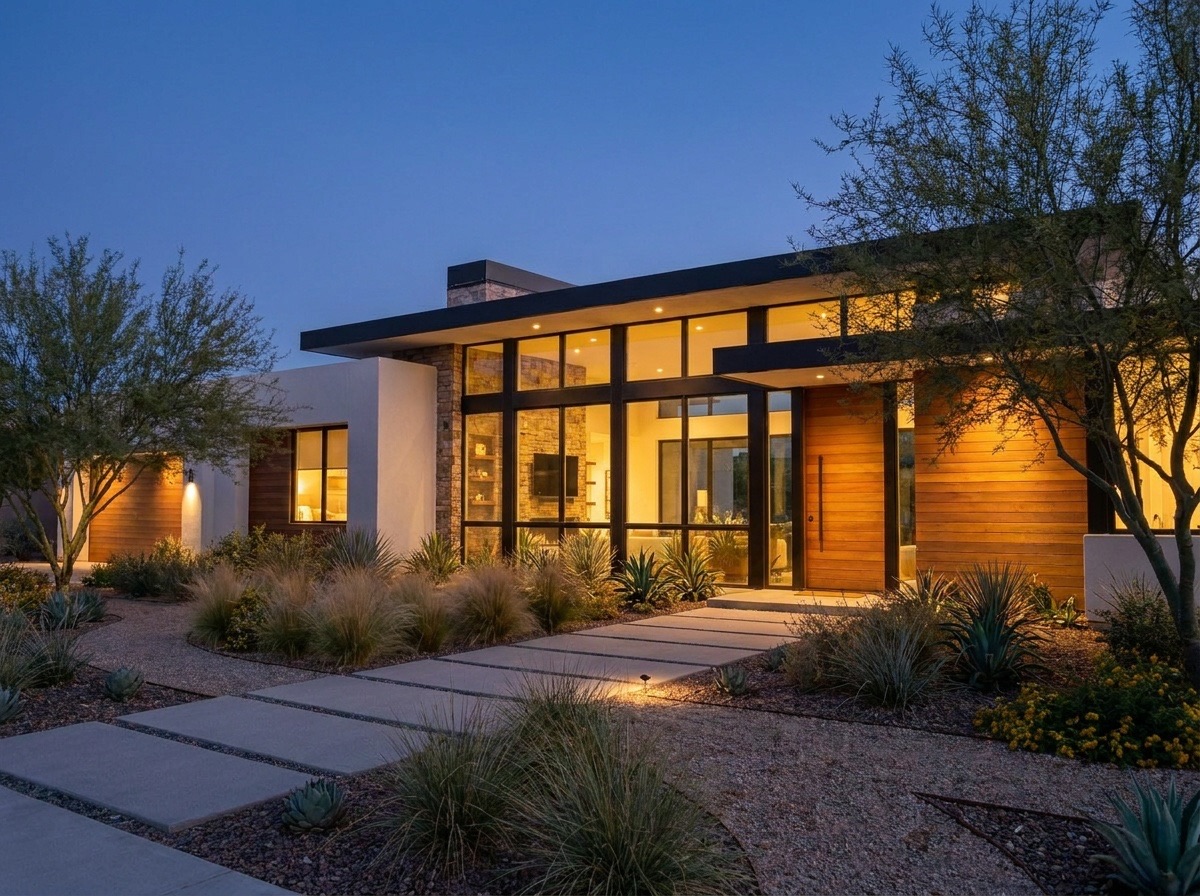
 BeforeAfter
Modern exterior at blue hour
Inspect the glazing and landscaping against the cooler sky.
Settings: Deep blue dusk
Use this example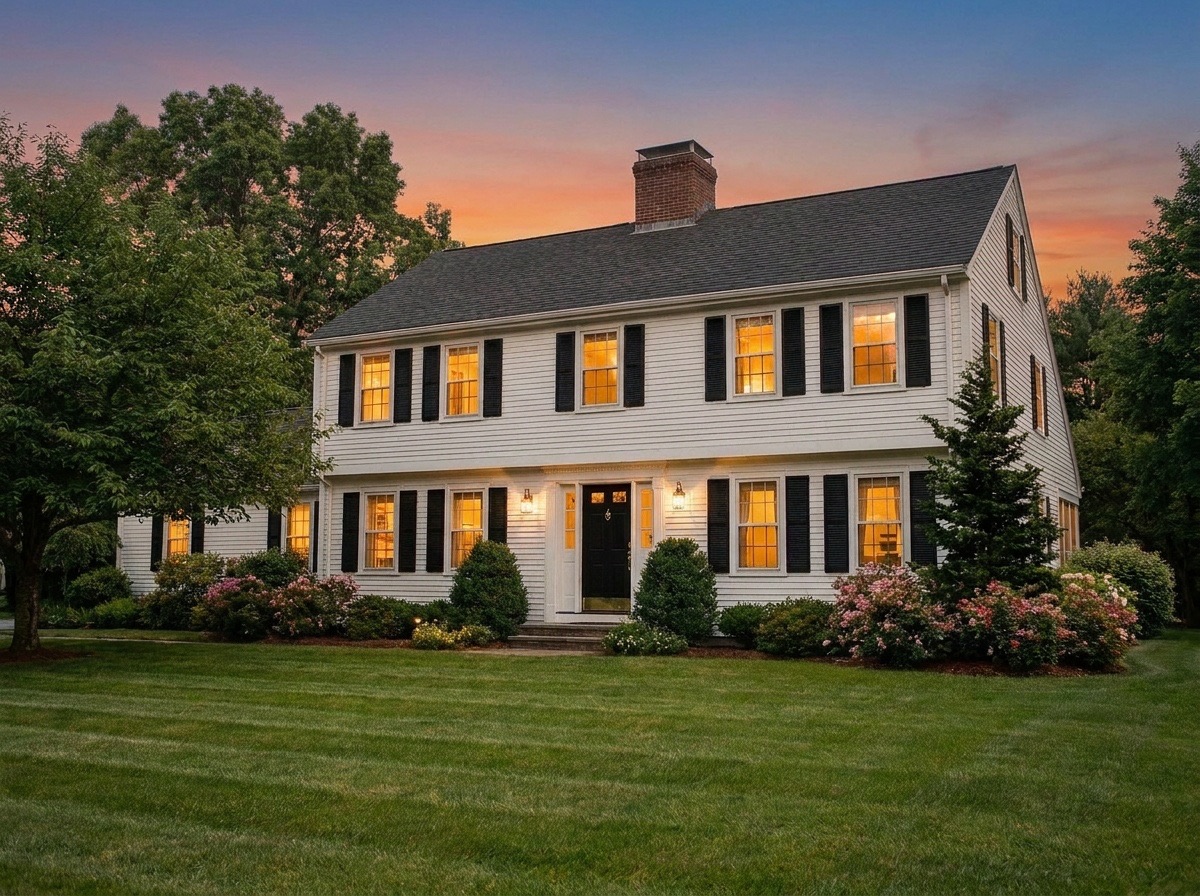
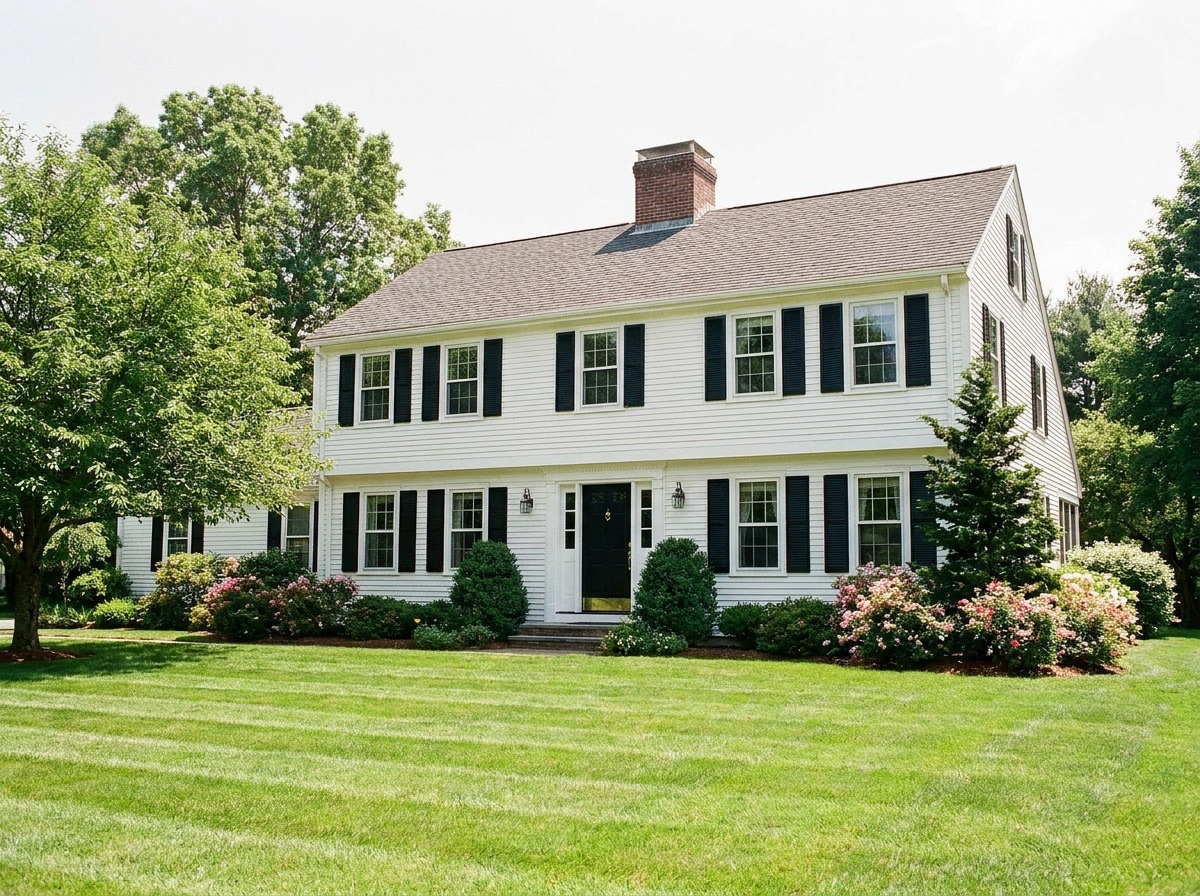 BeforeAfter
Front elevation at sunset
Compare the lawn, shutters and facade as the lighting changes.
Settings: Warm sunset
Use this exampleCreate real estate twilight photos from daytime exterior shots without arranging a second photo session. Choose a warm sunset or deep blue dusk to preview an evening sky and glowing windows in about 40 seconds. ReSnapHome is instructed to preserve the house and landscaping, but the light is generated. Review rooflines, window frames and nearby buildings before using the result.
How it works
- 1
Upload a daytime exterior
Choose a clear, well-framed photo of the front or back of the house with the sky visible above the roof.
- 2
Pick a sky
Select "Warm sunset" for an orange and pink horizon, or "Deep blue dusk" for a cooler evening look.
- 3
Generate the twilight version
The tool converts the scene to dusk, lights the windows and adds soft exterior lighting. It takes about 40 seconds.
- 4
Review and download
Compare the result with the original, check rooflines, trees and window glow, then download the photo for your listing.
What virtual twilight does to your exterior photo
Virtual twilight is day to dusk photo editing done by AI instead of by hand. The tool is told to convert the daytime shot into a dusk scene, add a warm glow to every window, add soft exterior lighting, and keep the house, landscaping, neighboring buildings and composition unchanged.
You choose one of two skies. "Warm sunset" puts an orange and pink glow on the horizon. "Deep blue dusk" gives the darker, cooler evening look that many agents use for a front elevation hero shot. Each result costs 1 credit, and you can sign in and receive 3 welcome credits once per account.
Who uses real estate twilight photos?
Use a twilight version as a cover-image candidate, brochure illustration or social post, alongside the original daylight view.
- Listing agents who want a twilight cover image without booking a second shoot.
- Real estate photographers who want to offer a twilight add-on, or who missed the light on shoot day.
- Builders and developers showing finished homes or model homes in marketing.
- Short-term rental hosts who want an evening look for the listing gallery.
Compare warm and cool real estate twilight photos
The walkway examples use the same daytime source with two sky treatments, making the lighting difference easier to judge. The modern exterior demonstrates cooler blue-hour contrast, while the porch example uses a warmer horizon. When reviewing real estate twilight photos, look beyond the sky: check whether windows glow evenly and trees remain plausible. Keep the daylight original available as a reference.
Tips for the best real estate twilight photos
A clear daytime exterior helps the model distinguish rooflines, windows and trees. Inspect these edges after conversion.
- Use a front or rear elevation shot with plenty of visible sky above the roofline.
- Avoid harsh midday shadows across the facade when you can. Morning or late afternoon light reads more naturally at dusk.
- Make sure the windows are visible and not covered by heavy reflections, so the window glow has somewhere to go.
- Keep verticals straight and the horizon level before you upload. The tool keeps your framing; it does not correct it.
- Start with the highest resolution file you have. A small, soft photo gives a small, soft result.
Limitations and what to check before you publish
AI dusk conversion is fast, but it is not perfect. Check that rooflines, trees and neighboring buildings are unchanged and that the window glow looks natural. Look closely at chimneys, gutters and thin branches against the sky, where edges can soften or shift.
Window light is generated, not measured. The tool adds glow to the windows it sees, so a window may light up that would be dark in real life, or an interior may look warmer than it is. If a result looks off, run it again or try the other sky. Do not publish a version that changes the house itself.
Disclosure and honest marketing
A twilight edit changes the sky and lighting, not the property. Even so, many MLSs and brokerages have rules about digitally altered photos, and some require a note when an image has been edited. Check your local rules before you publish.
A caption such as "Virtual twilight: sky and lighting digitally edited" explains the edit; confirm any additional requirements with your listing service. Keep the original daytime photo in the listing so buyers can see the home as it is.
Frequently asked questions
What is a real estate twilight photo?
It is an exterior photo taken, or edited to look like it was taken, around dusk, with an evening sky and lights on inside the home. Agents often use it as the lead image of a listing.
How is virtual twilight different from a real twilight shoot?
A real shoot captures the actual light at dusk and needs a return visit at a specific time. Virtual twilight edits a daytime photo you already have. It is faster and needs no second visit, but the window glow and sky are generated, so you should review each result.
Will the tool change my house or yard?
It is instructed to keep the house, landscaping, neighbors and composition unchanged and to change only the sky and lighting. AI can still make small mistakes, so check rooflines, trees and nearby buildings before you publish.
How long does it take and what does it cost?
Most results are ready in about 40 seconds. Each twilight photo uses 1 credit, and you can sign in and receive 3 welcome credits once per account.
Do I need to disclose a virtual twilight edit?
Rules vary. Many MLSs and brokerages require disclosure of digitally edited photos, so check your local rules. Adding a short caption and keeping the original daytime photo in the listing is a safe habit.
Related tools
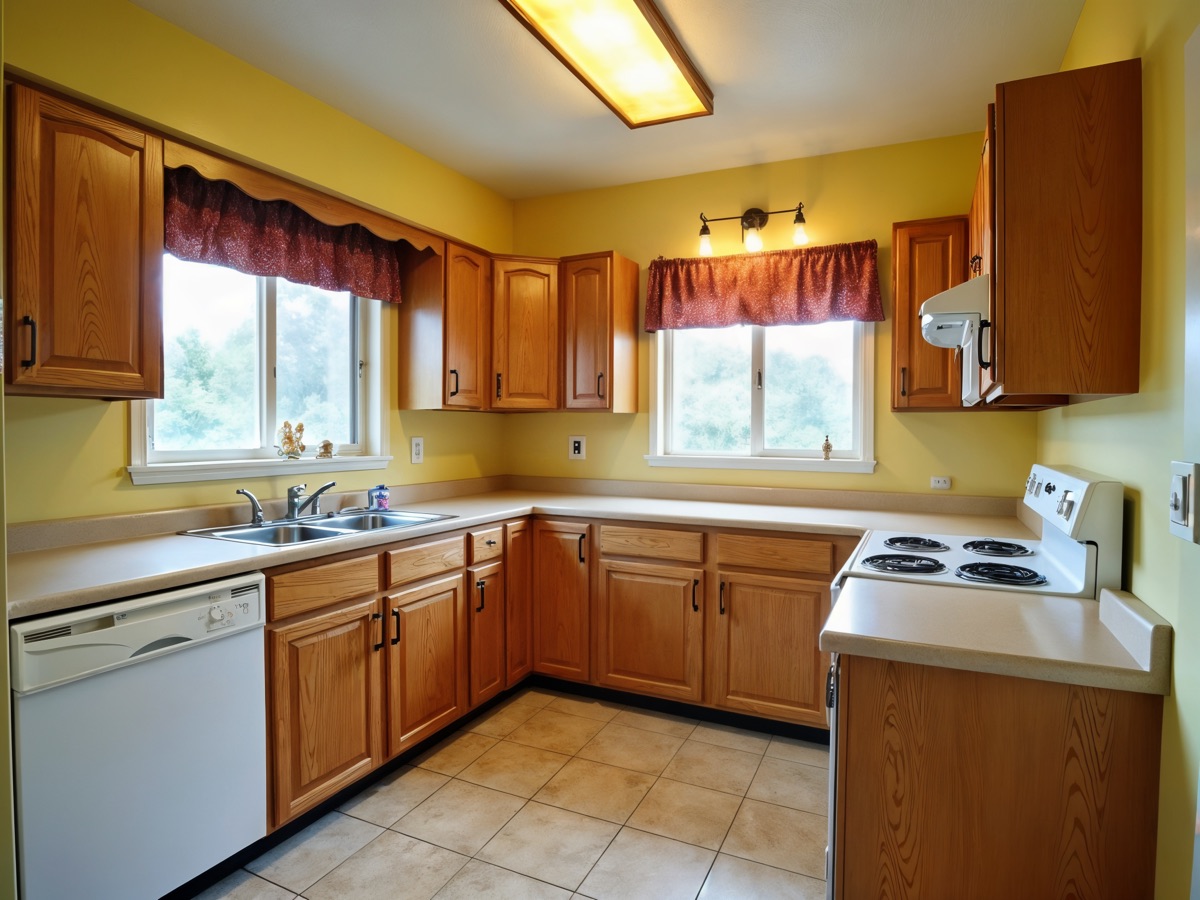
Photo Enhance & Upscale
Upscale and sharpen listing photos to print-ready resolution.
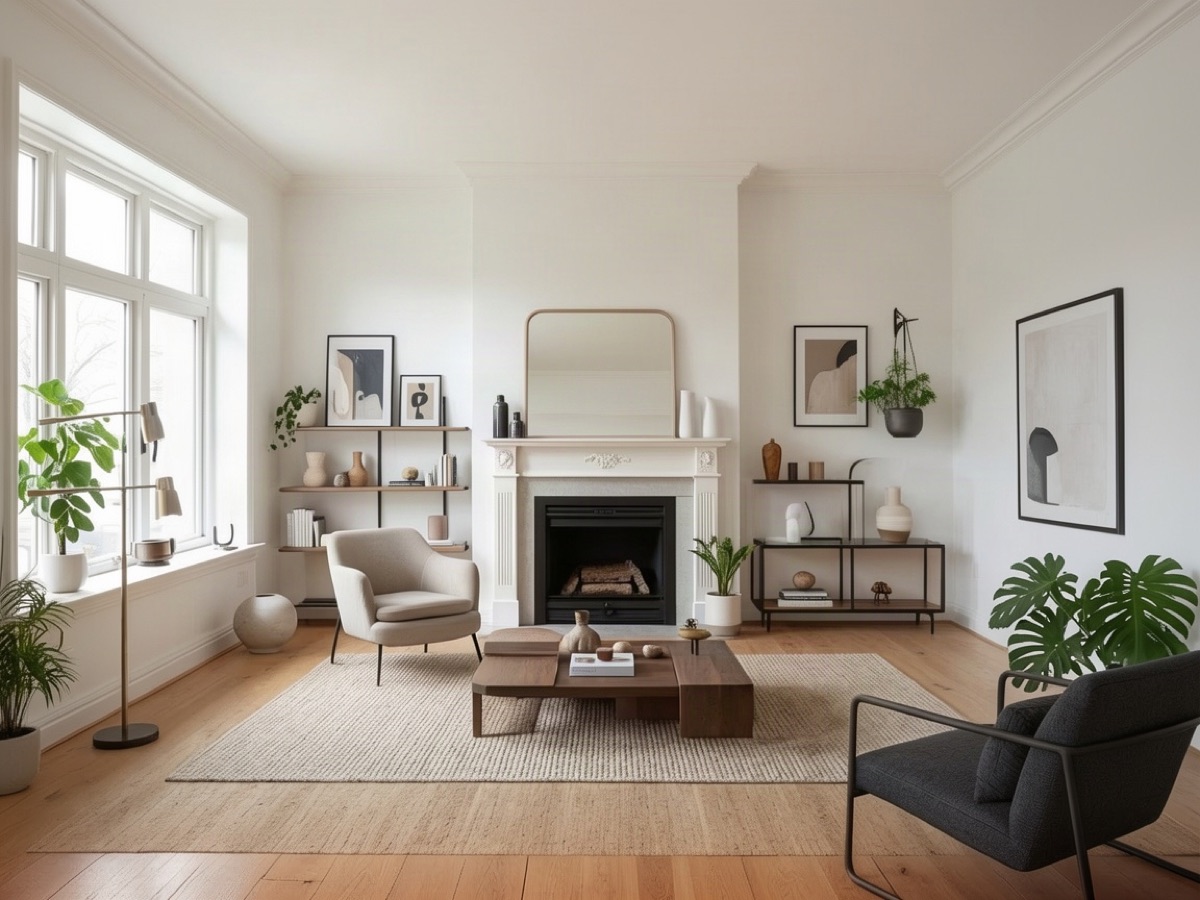
Photo to Video
Add a subtle camera move to a still photo for social and listings.
Virtual Staging
Turn empty rooms into furnished, buyer-ready listing photos.
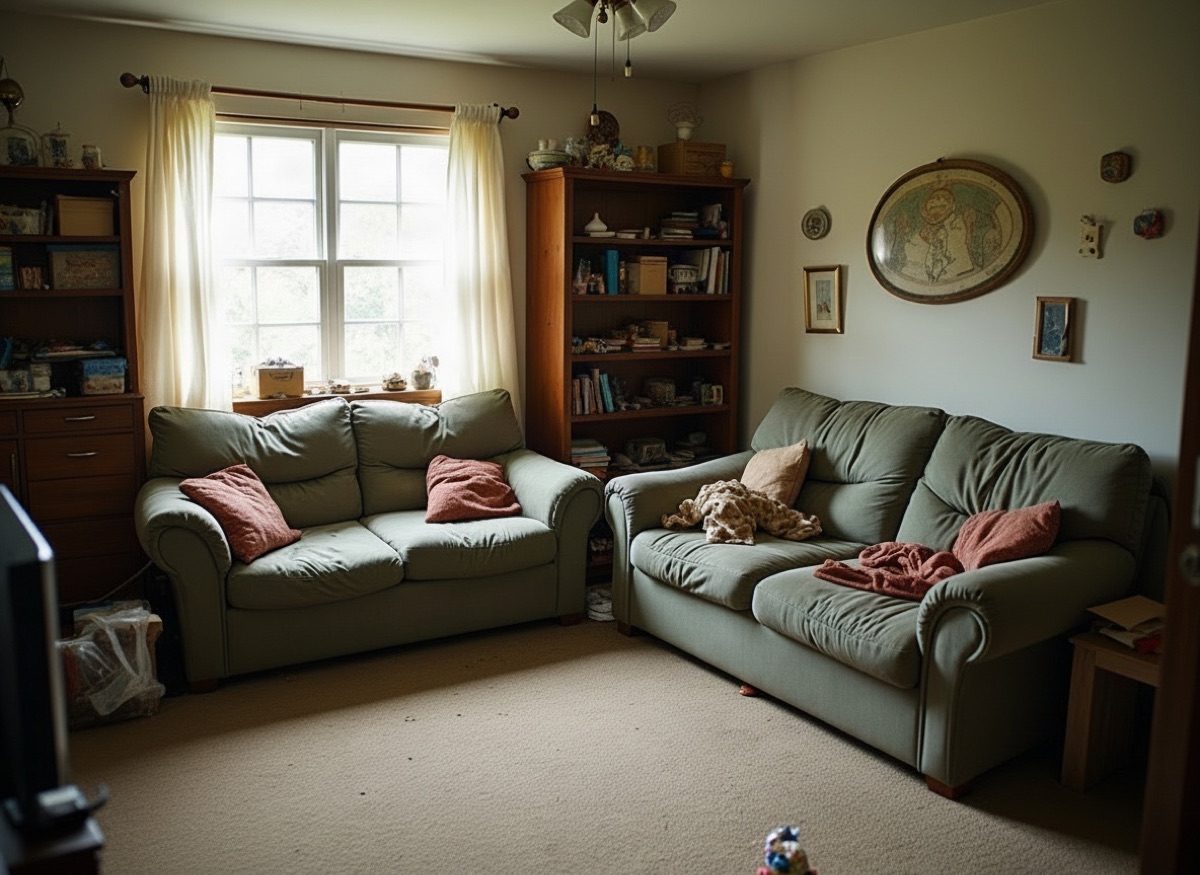
Declutter & Remove Furniture
Remove clutter, boxes and personal items, or clear a room entirely.