
AI Room Redesign From a Photo
Upload a photo of a furnished room, pick a style, and get a full redesign in about a minute: new furniture, decor, colors and lighting, with instructions to preserve the walls, windows and layout.
Additional requests (optional)
Usually ~45s. Sign in for 3 welcome credits. Credits per result: 1.
View credit packs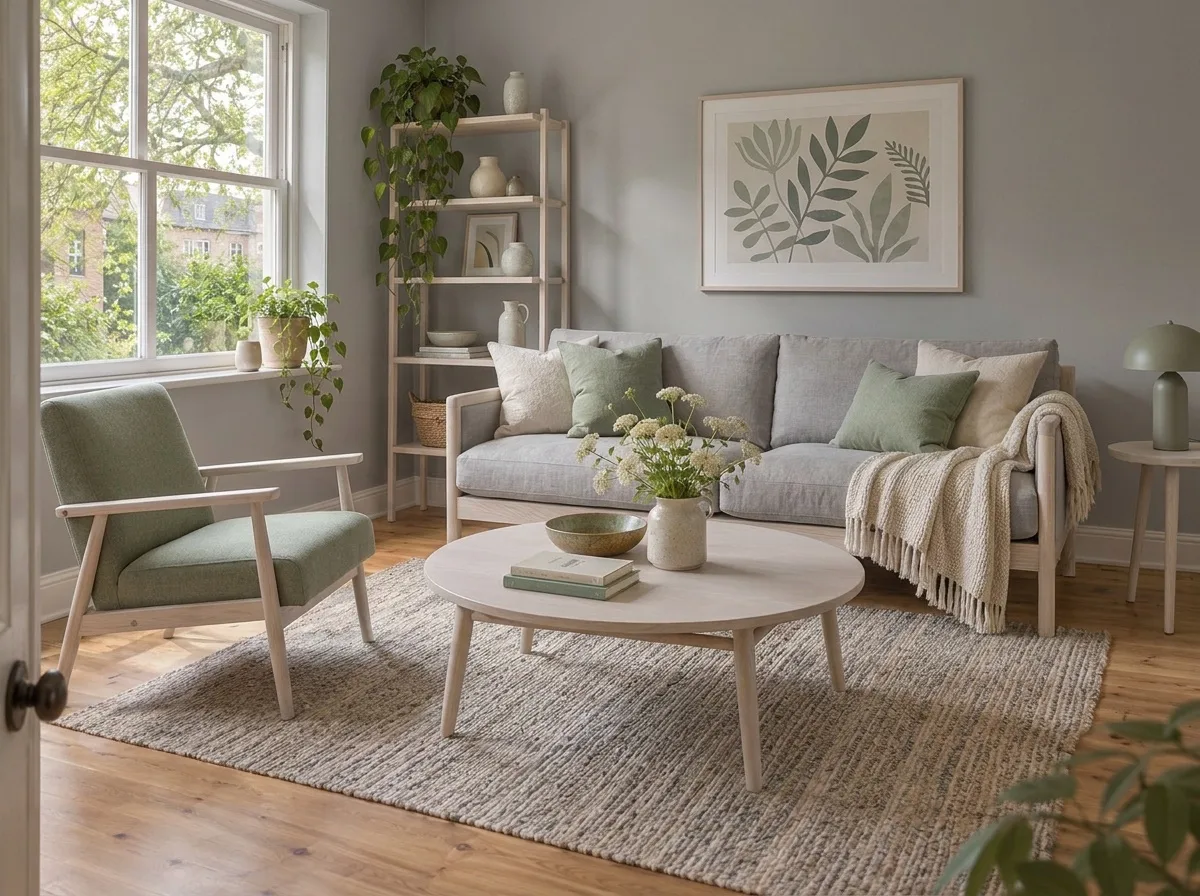
Best for: Homeowners, renters, designers, sellers
More AI Room Redesign examples
Drag each slider to compare. These are AI-generated demo scenes, not customer properties. Review the changes and settings before trying your own photo.
 BeforeAfter
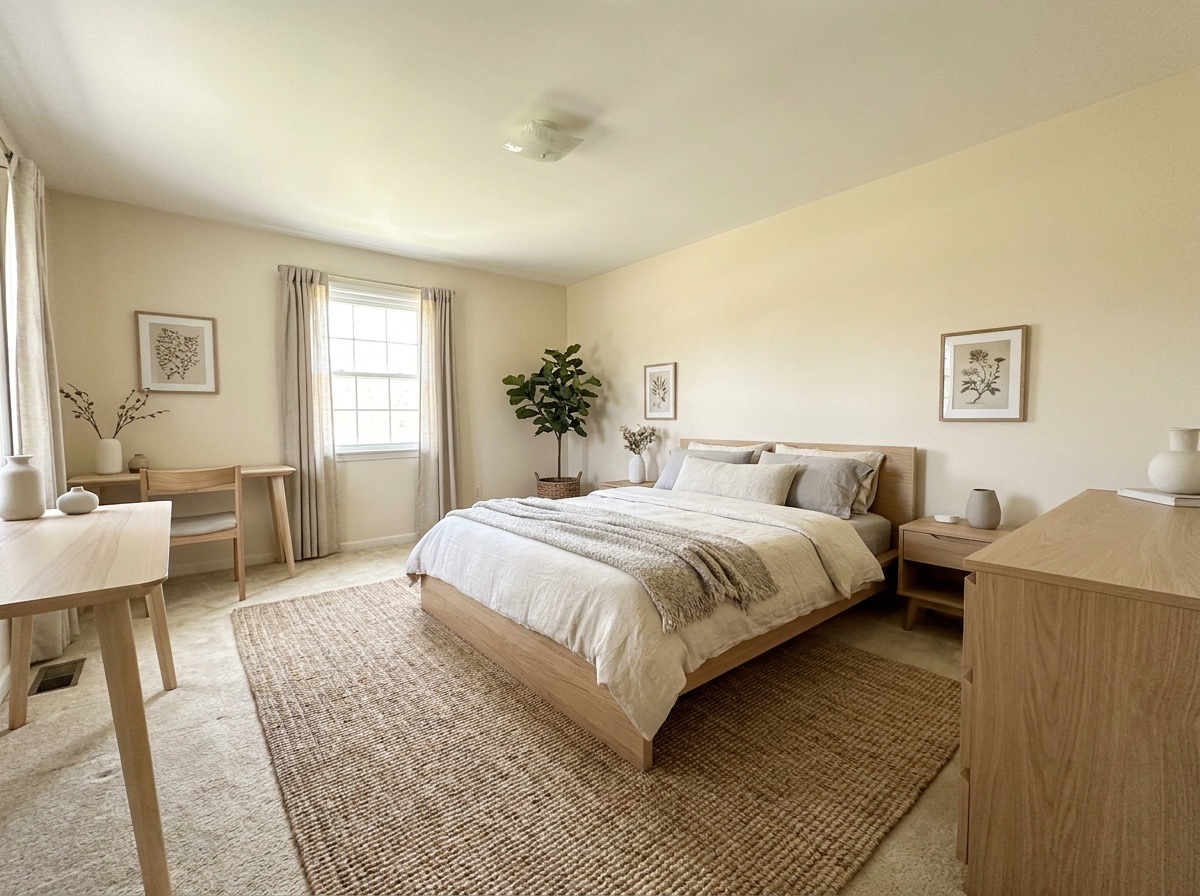
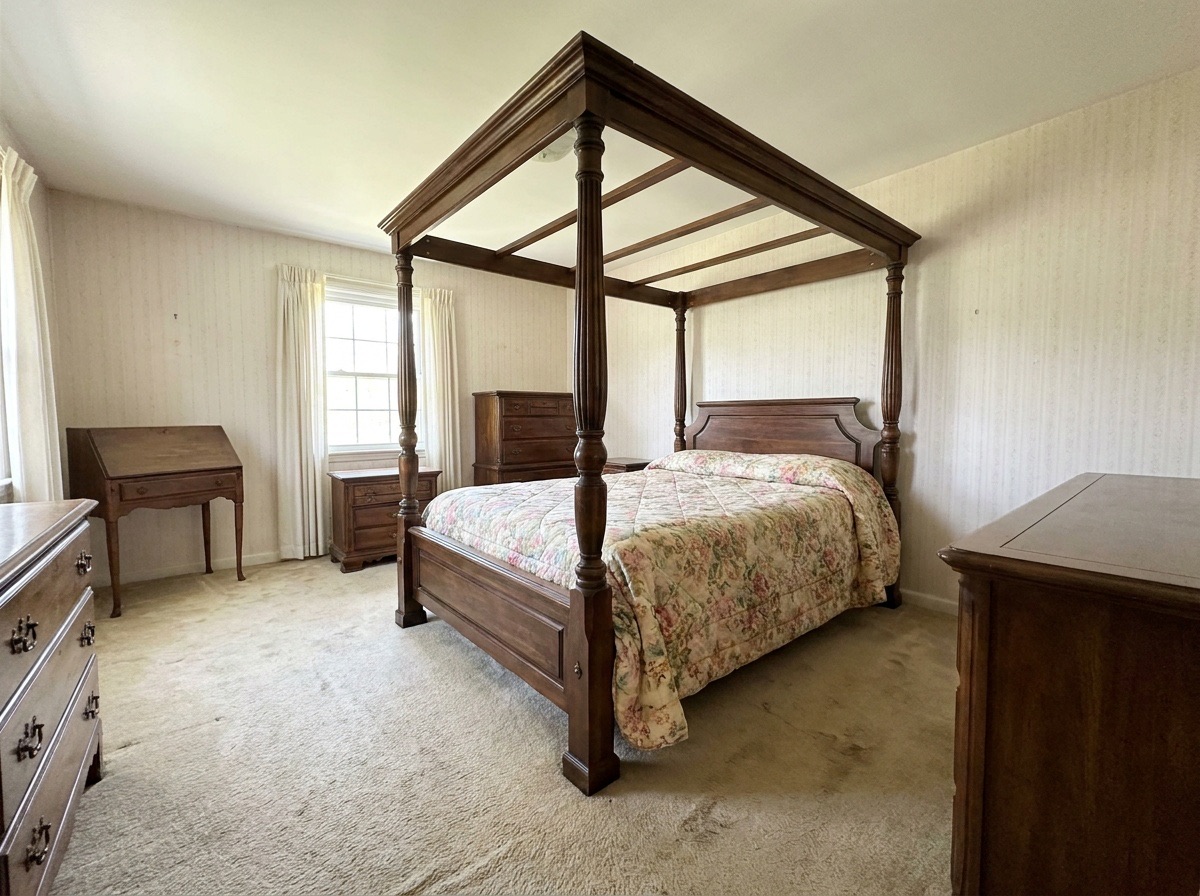
Japandi bedroom redesign
Compare the lower bed and restrained palette with the original.
Settings: Japandi · Bedroom
Use this example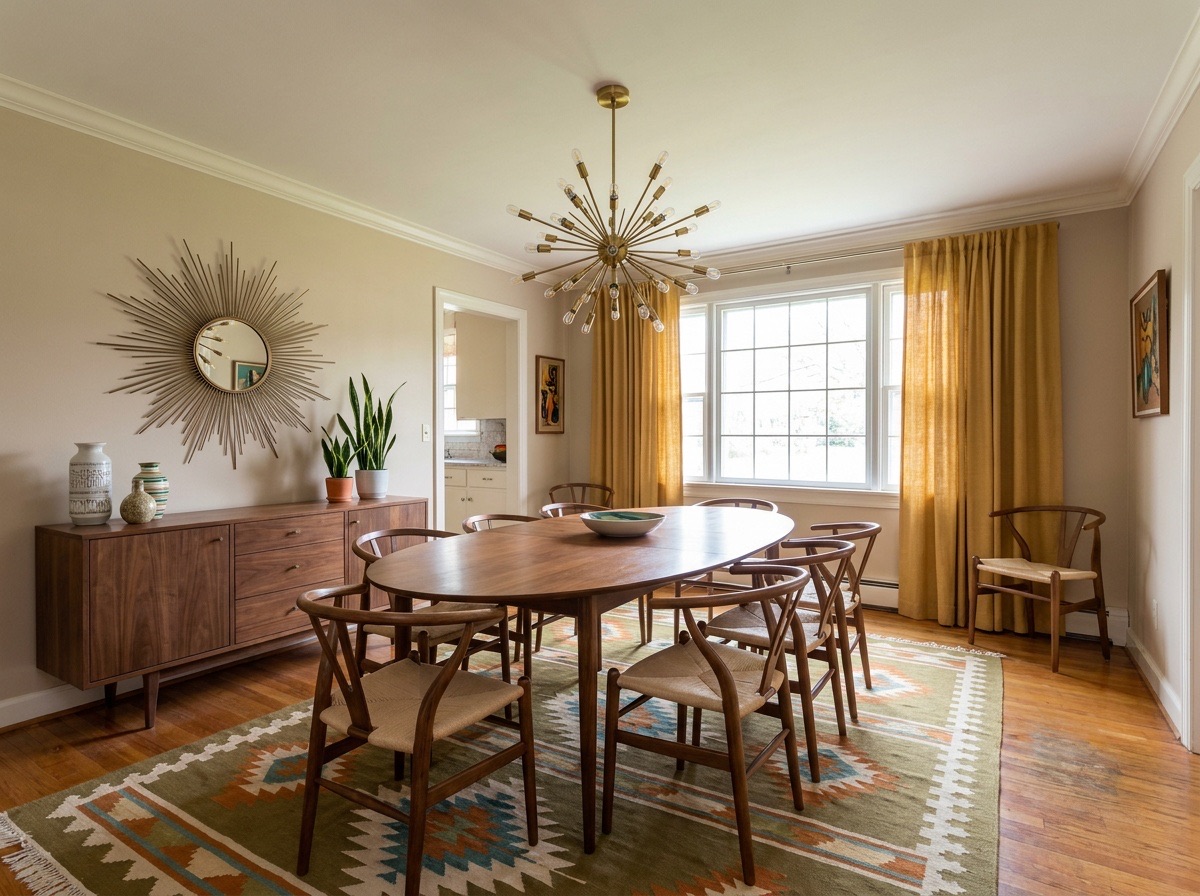
 BeforeAfter
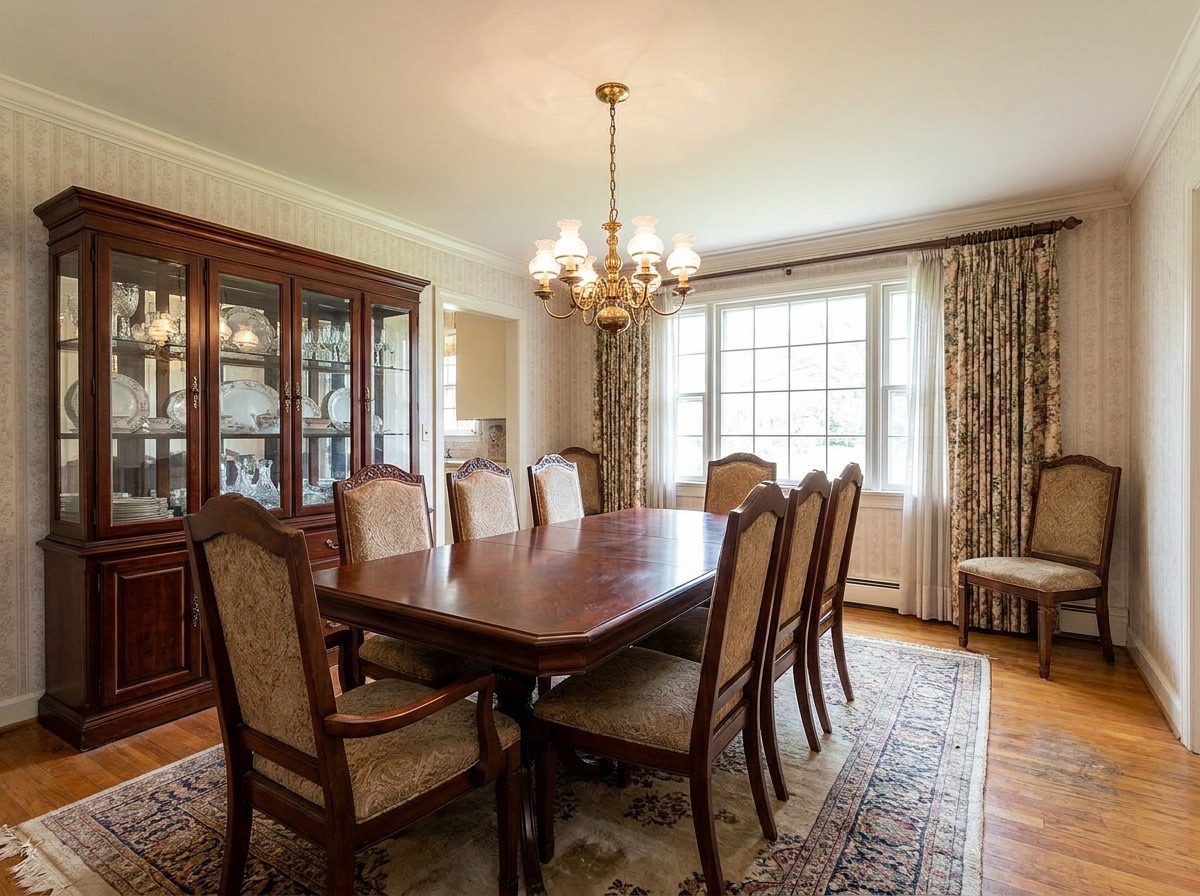
Mid-century dining room redesign
Look at the chairs, sideboard and lighting as a style reference.
Settings: Mid-century · Dining room
Use this example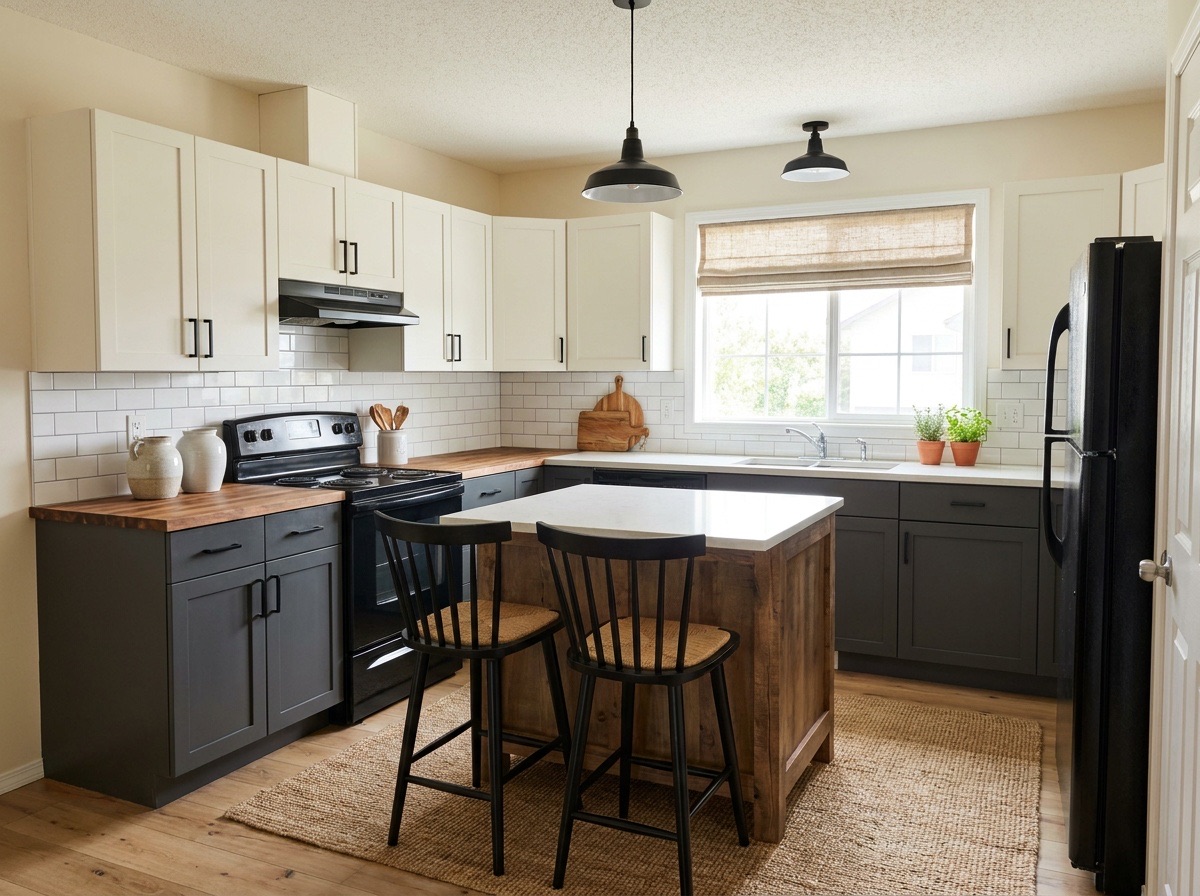
 BeforeAfter
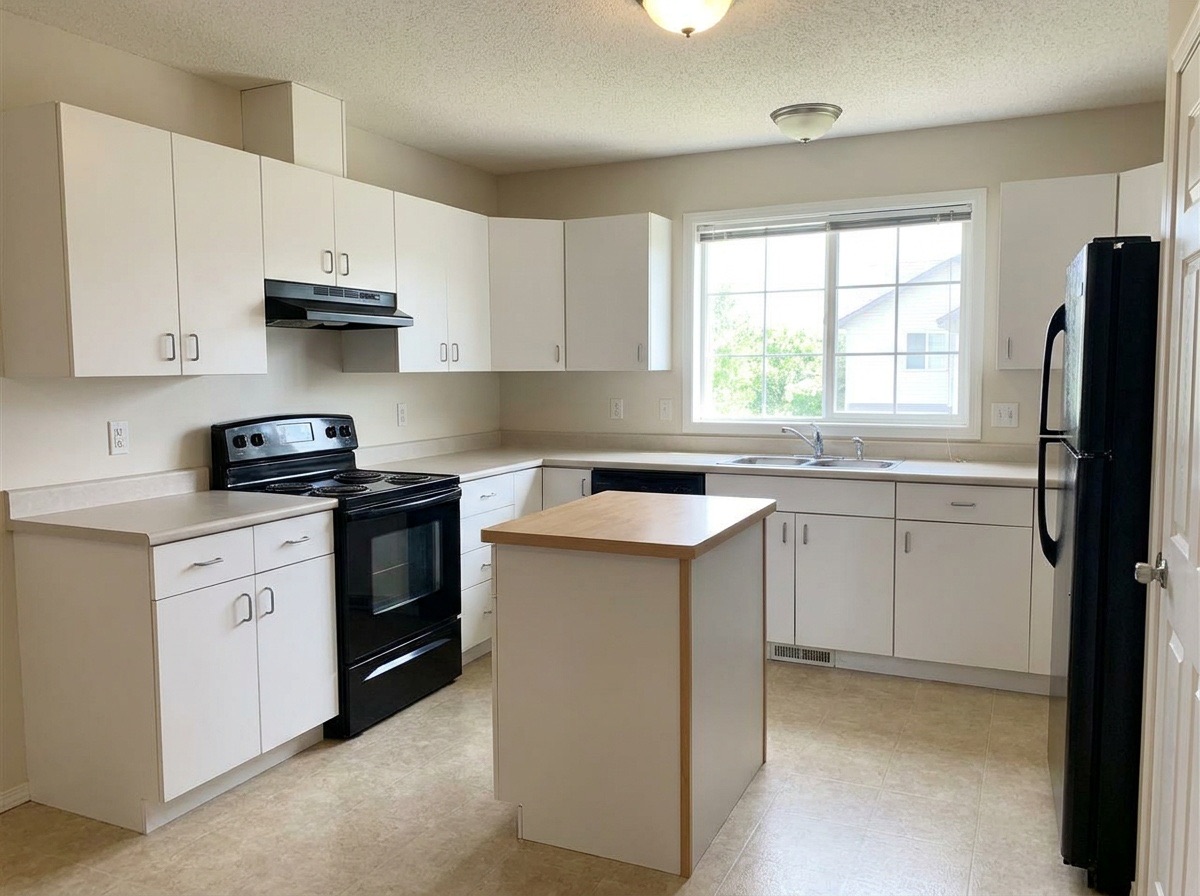
Modern farmhouse kitchen redesign
Check the island and seating against the original kitchen.
Settings: Modern farmhouse · Kitchen
Use this example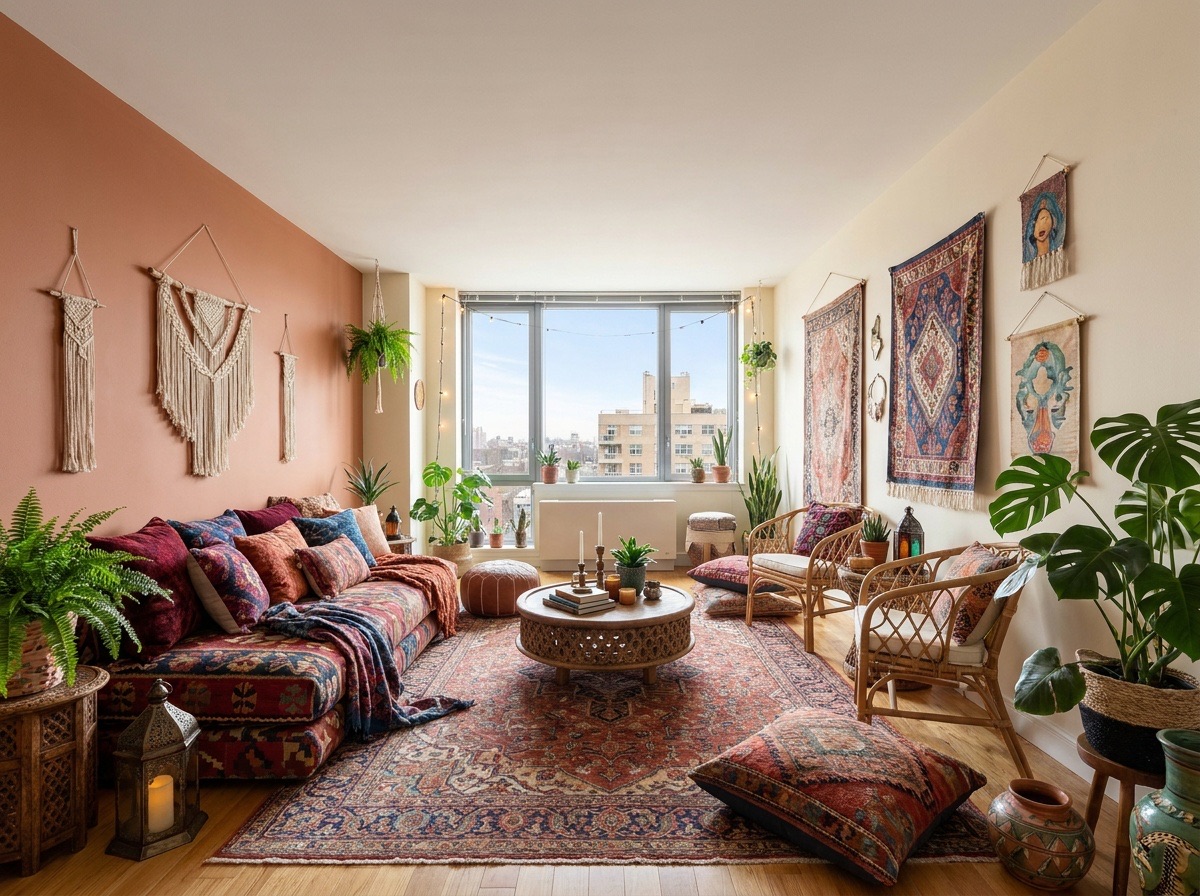
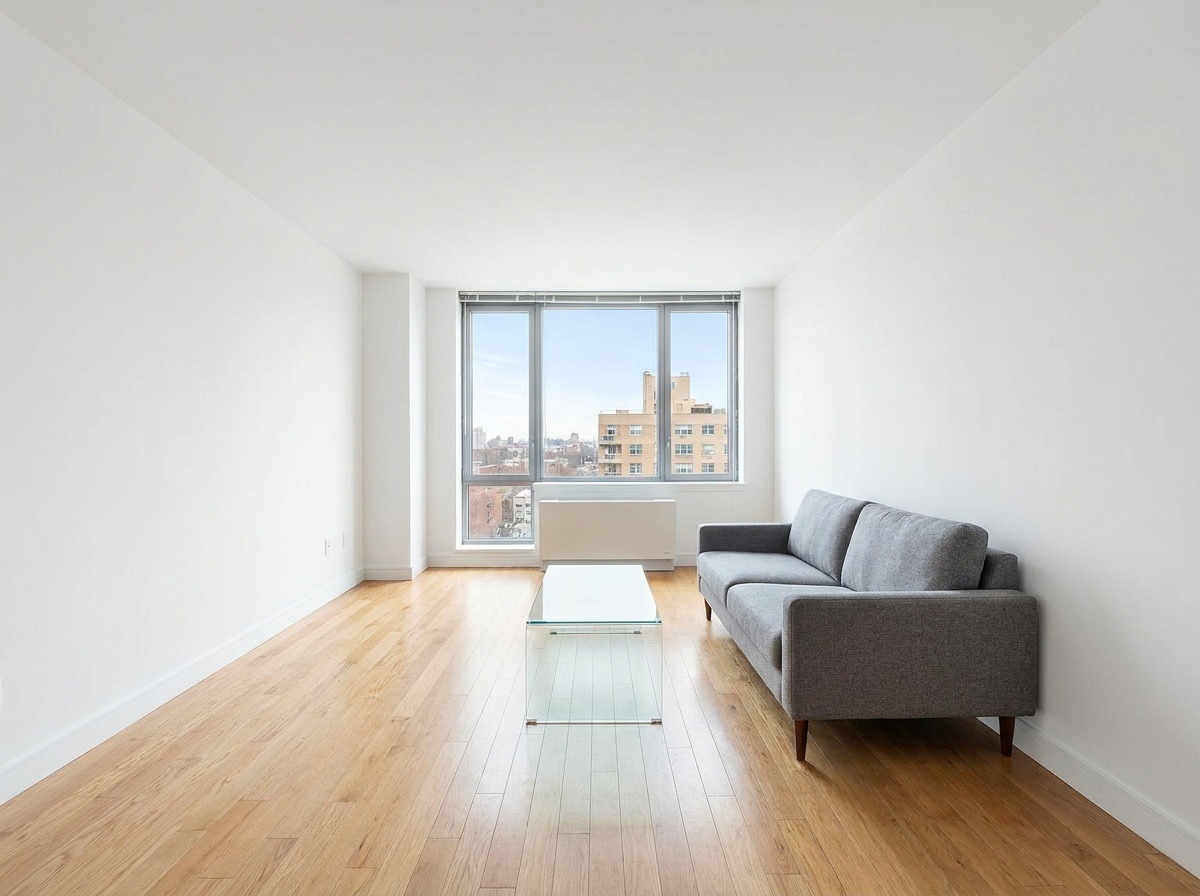 BeforeAfter
Boho living room redesign
Compare layered textiles and color without treating furniture as store products.
Settings: Boho · Living room
Use this exampleTry AI room redesign with a photo of your furnished room. Choose one of nine styles to explore new furniture, rugs, decor and wall colors in about 45 seconds. The model is instructed to keep the room layout and architecture in place. Compare the result with your original before using it as an interior design reference or starting a shopping list.
How it works
- 1
Upload a photo of your room
Add a clear JPEG or PNG of a furnished room, taken wide and level.
- 2
Choose a style and room
Pick one of nine styles, then a room type or Auto-detect.
- 3
Generate
Your redesign is ready in about 45 seconds. Each result uses 1 credit.
- 4
Review and download
Compare it with your photo, check scale and structure, then download or try another style.
Interior design from a photo of your room
Most design inspiration shows someone else's home. This tool starts from yours. Upload one photo, choose a style and a room type, and the tool replaces the furniture, rugs, textiles, decor and wall colors to match. It is told to size the new furniture realistically for the space and to keep the walls, windows, doors, ceiling height, room layout and camera angle unchanged.
Rooms you can pick: Auto-detect, Living room, Bedroom, Kitchen, Dining room, Bathroom and Home office. Auto-detect works for most photos. Choose the room yourself if the result looks wrong.
Nine styles to try
Each style changes the furniture shapes, materials and colors. Here is what to expect from each one.
- Scandinavian: light wood, white walls, simple shapes and soft textiles.
- Japandi: low furniture, natural wood and linen, muted earth tones, very little decor.
- Modern: clean lines, neutral colors, smooth surfaces and few accessories.
- Mid-century: tapered legs, warm walnut, curved shapes and pops of mustard or teal.
- Modern farmhouse: white and black contrast, rustic wood, shiplap feel and cozy fabrics.
- Industrial: dark metal, leather, exposed textures and a darker palette.
- Boho: layered rugs, rattan, plants and warm patterned textiles.
- Coastal: white and sand tones, light blues, woven textures and an airy feel.
- Luxury: rich materials, velvet and marble accents, brass details and statement lighting.
Compare AI room redesign styles on the same photo
Choose two contrasting directions rather than changing every setting at once. Japandi can help you explore restrained furniture and natural textures; Boho offers layered rugs and stronger color. For a useful AI room redesign comparison, keep the source photo and room type identical. Note which proportions, materials and storage ideas work, then measure the real room before buying similar pieces.
Who uses AI room redesign?
Homeowners use it to plan a room makeover and pick a direction before they shop. Renters use it to try a new look with furniture and decor alone, while checking any suggested changes to walls and fixtures. Interior designers use it to show a client two or three directions in an early meeting. Sellers and agents use it to help buyers picture a dated room in a fresh style.
If you have ever thought "I want to redesign my room but don't know where to start," running the same photo through a few styles is a fast way to find out what you like.
Tips for a useful room makeover
- Shoot from a corner or doorway so the photo shows most of the room. Keep the camera level.
- Use daylight and turn on the lights. Dark, grainy photos lead to muddy results.
- Tidy up first. Piles of laundry or clutter can end up blended into the new design.
- Try the same photo in three or four styles. Seeing them side by side makes the choice easier.
- Pick the room type yourself if Auto-detect gets it wrong, for example in an open-plan space.
- Empty room? Use Virtual Staging instead. It is built to furnish empty spaces.
Limits: a design idea, not a measured plan
The redesign is a concept. The furniture in the image is not a real product you can buy, and it is not drawn to scale from measurements. A sofa that looks right in the photo may be too long for your wall.
Check furniture scale against the real room before you buy anything. Measure your walls, doorways and walkways. Use the image to choose a style, colors and a general layout, then shop with a tape measure. If the result moves a window, changes the ceiling or shifts a wall, run it again. Those should stay fixed.
Using a redesign in a listing
If you are an agent or seller and want to show a redesign in a listing, label it clearly. For example: "AI redesign concept: furniture, decor and finishes in this photo were digitally changed and are not the current condition of the property." Many MLSs and brokerages require disclosure of altered photos. Check your local rules, and show the real photo too.
Frequently asked questions
How does AI room redesign work?
You upload a photo of your room and pick a style. The tool replaces the furniture, rugs, textiles, decor and wall colors to match that style with instructions to preserve the architecture. Compare walls, windows and doors with the original; preservation is not guaranteed.
Can I try it for free?
Sign in and receive 3 welcome credits for up to three standard photo edits. After that, each redesign uses 1 credit.
Which rooms work?
Living rooms, bedrooms, kitchens, dining rooms, bathrooms and home offices. Auto-detect handles most photos.
Can I buy the furniture shown in the result?
No. The furniture is generated to fit the style, not taken from a store. Use the image as a guide and look for similar pieces.
What is the difference between room redesign and virtual staging?
Room redesign restyles a room that already has furniture. Virtual Staging adds furniture to an empty room.
Is this good for renters?
Yes, as an inspiration tool. Focus on furniture, rugs and decor you can change without renovating. The redesign may also change wall colors, so check your lease before you paint.
Related tools
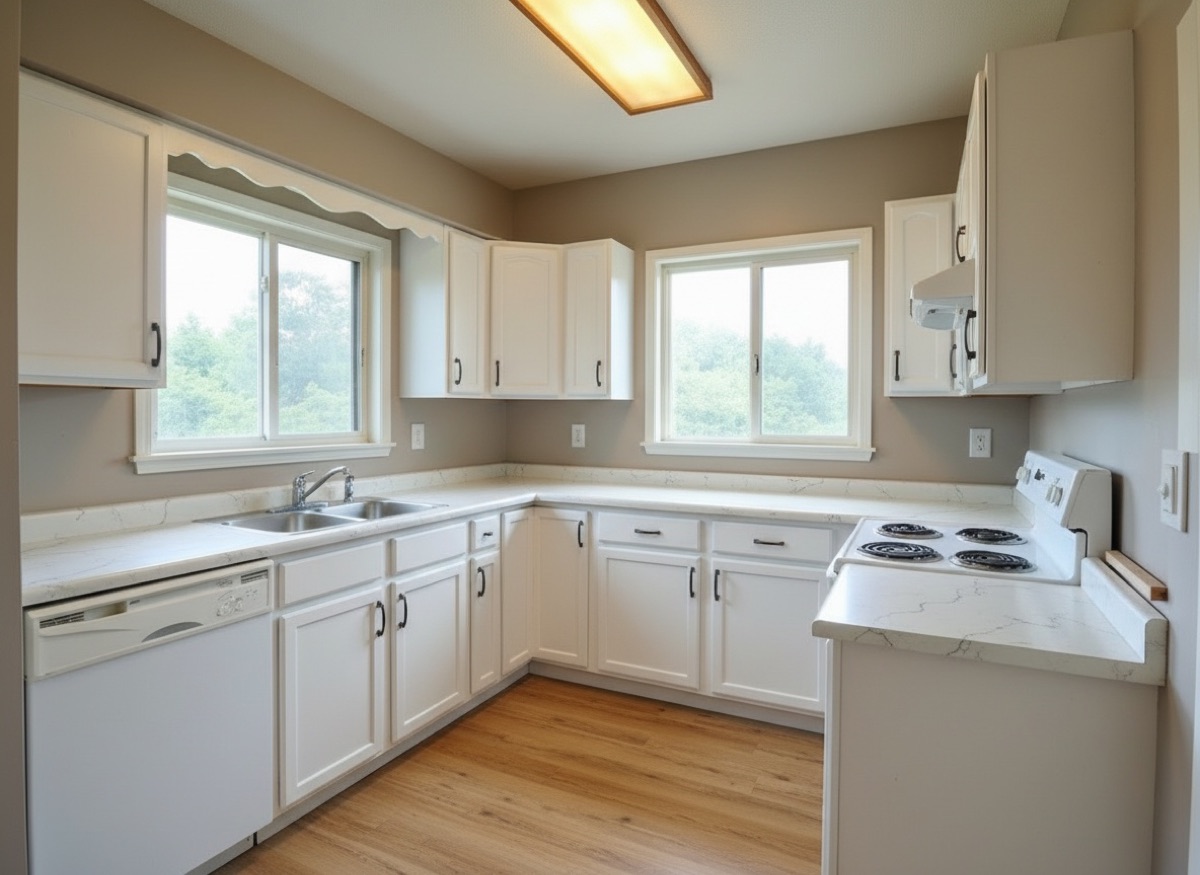
Renovation Preview
See the room after the remodel, before you pay for it.
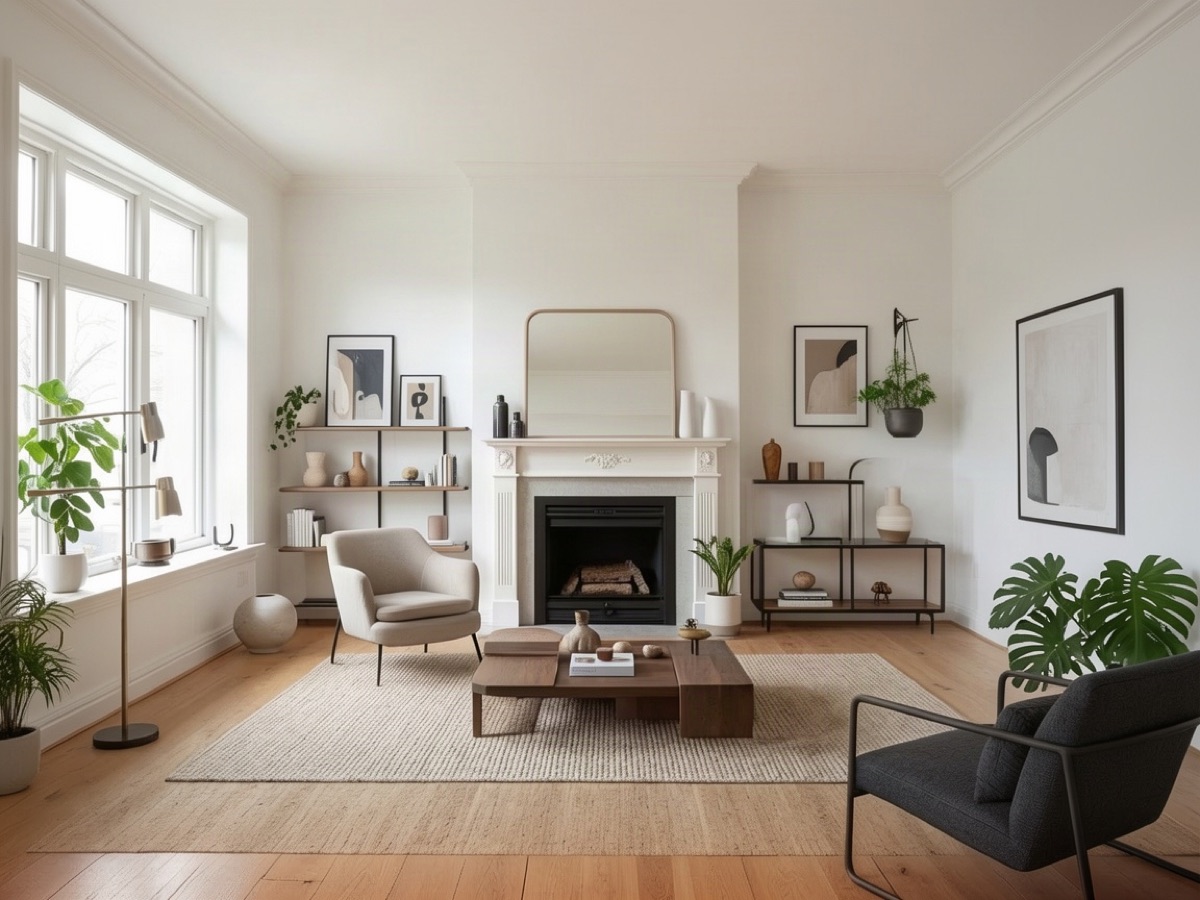
Virtual Staging
Turn empty rooms into furnished, buyer-ready listing photos.
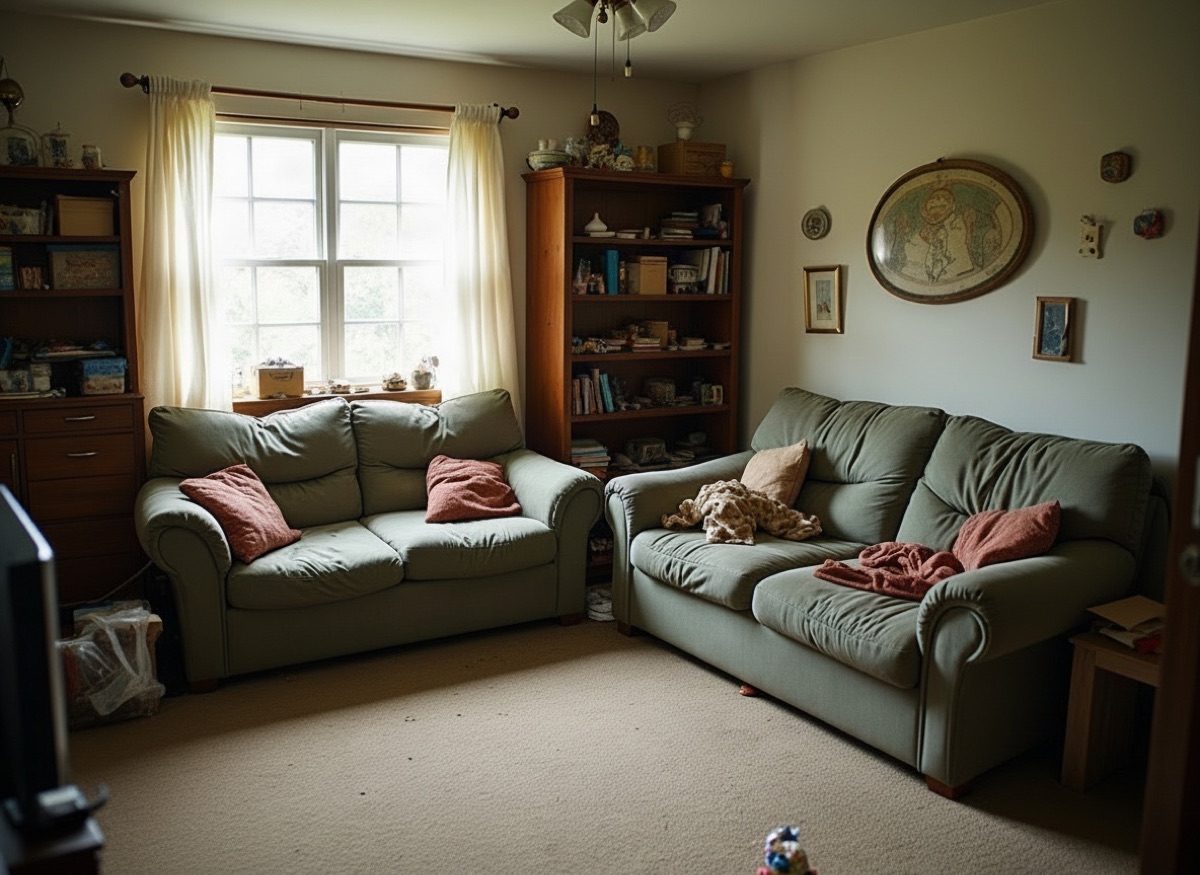
Declutter & Remove Furniture
Remove clutter, boxes and personal items, or clear a room entirely.
Photo to Video
Add a subtle camera move to a still photo for social and listings.